
Cue Fury
Create, edit, and project surtitles for operas, concerts, and recitals.Create, edit, and project surtitlesfor operas, concerts, and recitals.
Try NowAvailable for macOS and Windows
See Cue Fury in Action
Get Cue Fury
What Cue Fury Does
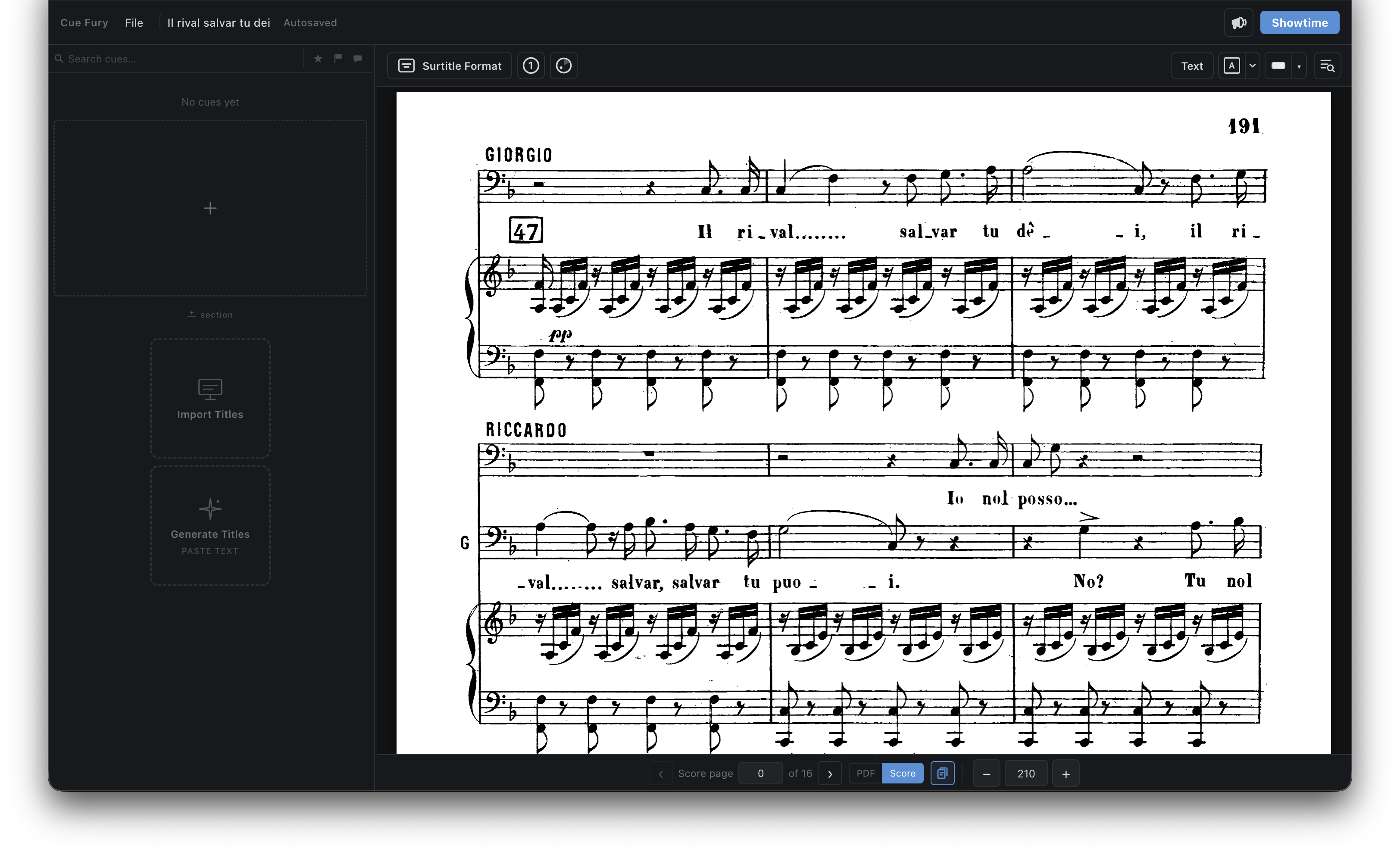
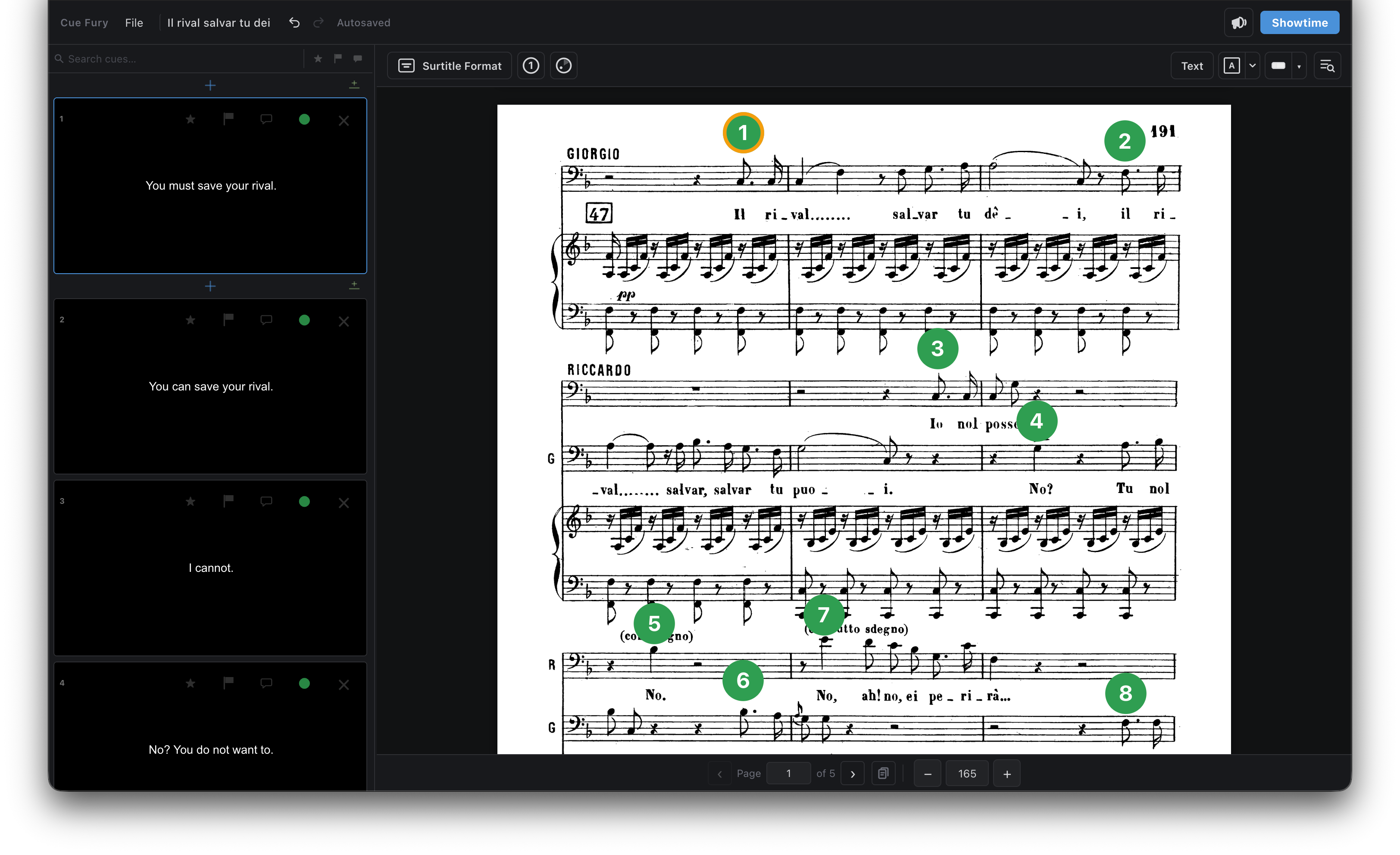
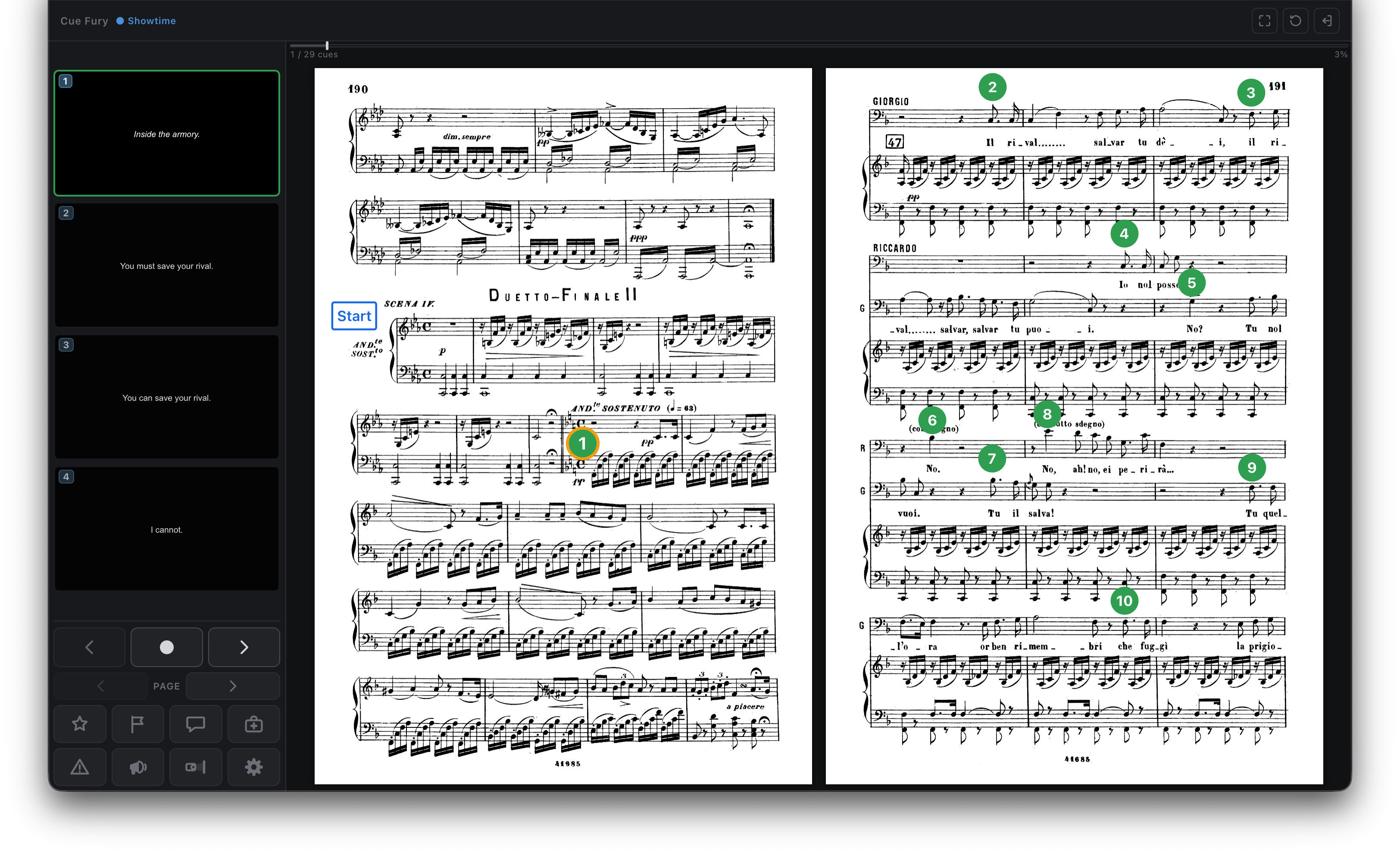
Cue Fury lets you create surtitles that are directly connected to the music score, edit pre-existing surtitles, and project them in a theater during a live performance.
| Problem | Cue Fury |
|---|---|
| My surtitles are in a PowerPoint, disconnected from the music score. | CreationCreate surtitles that are directly linked to the music score PDF. |
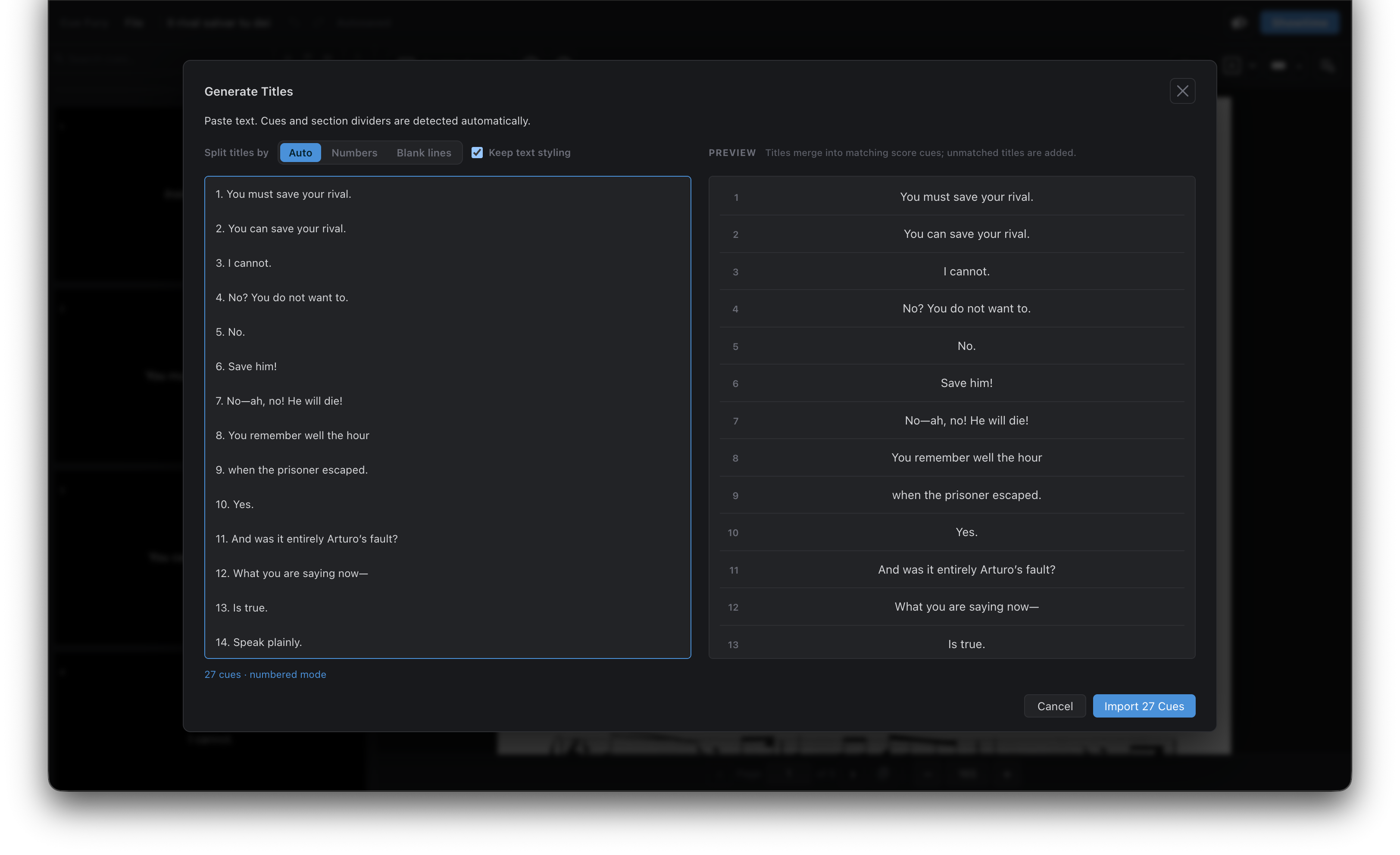
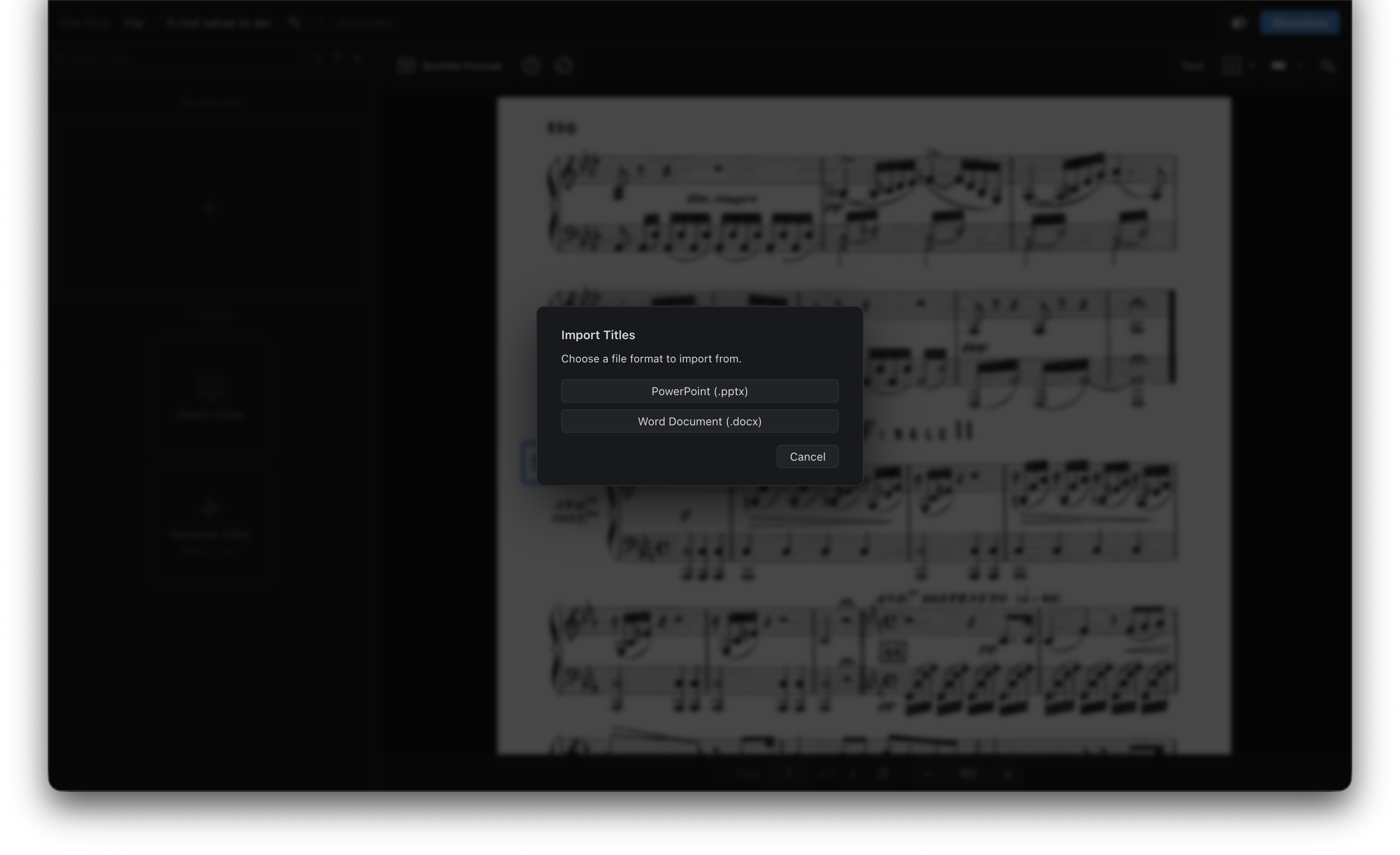
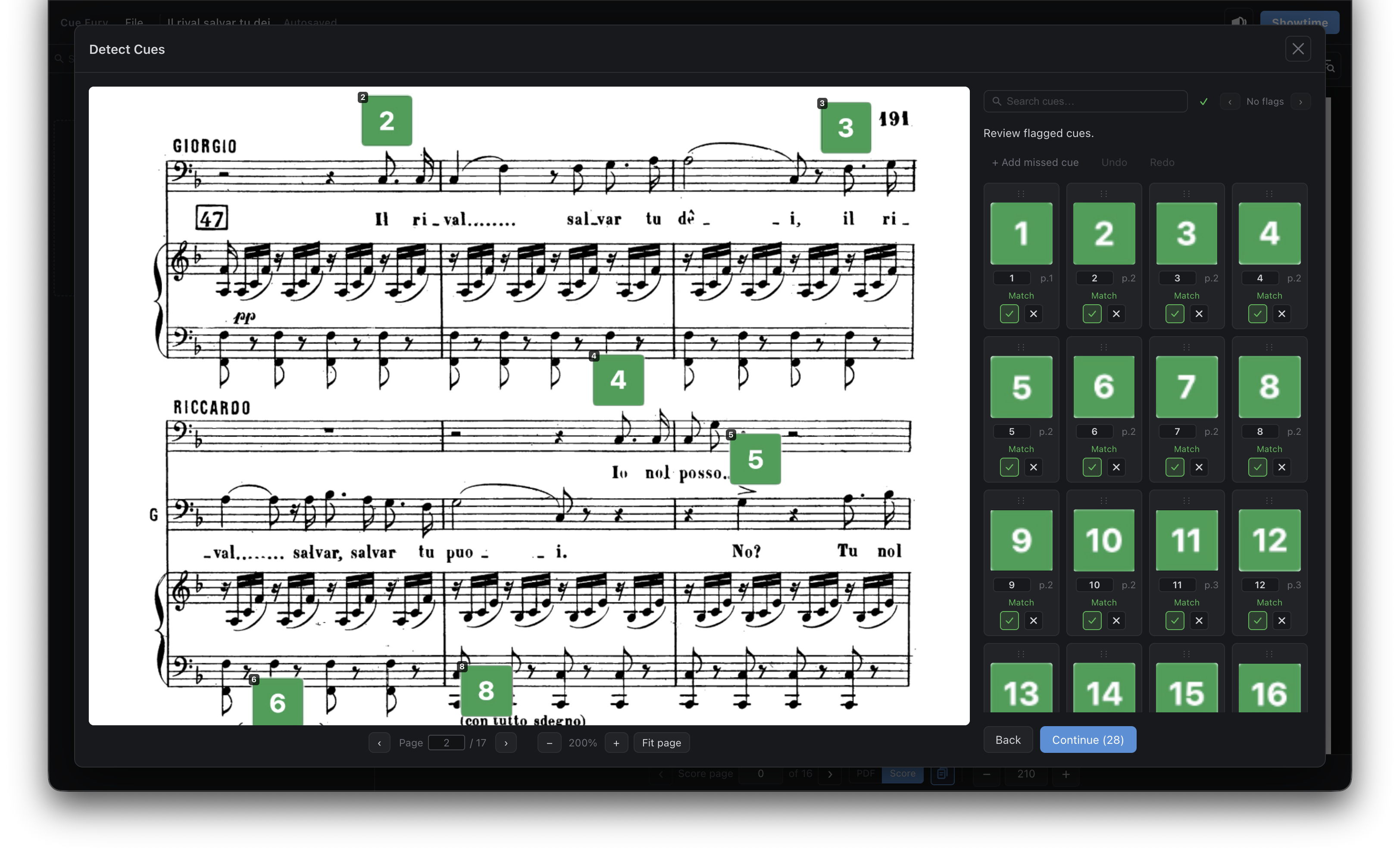
| I already have surtitles, but they are difficult to edit with the music score. | Auto-DetectionImport your surtitles and cues into the score-native system for easy editing. Digitize your surtitle libraries. |
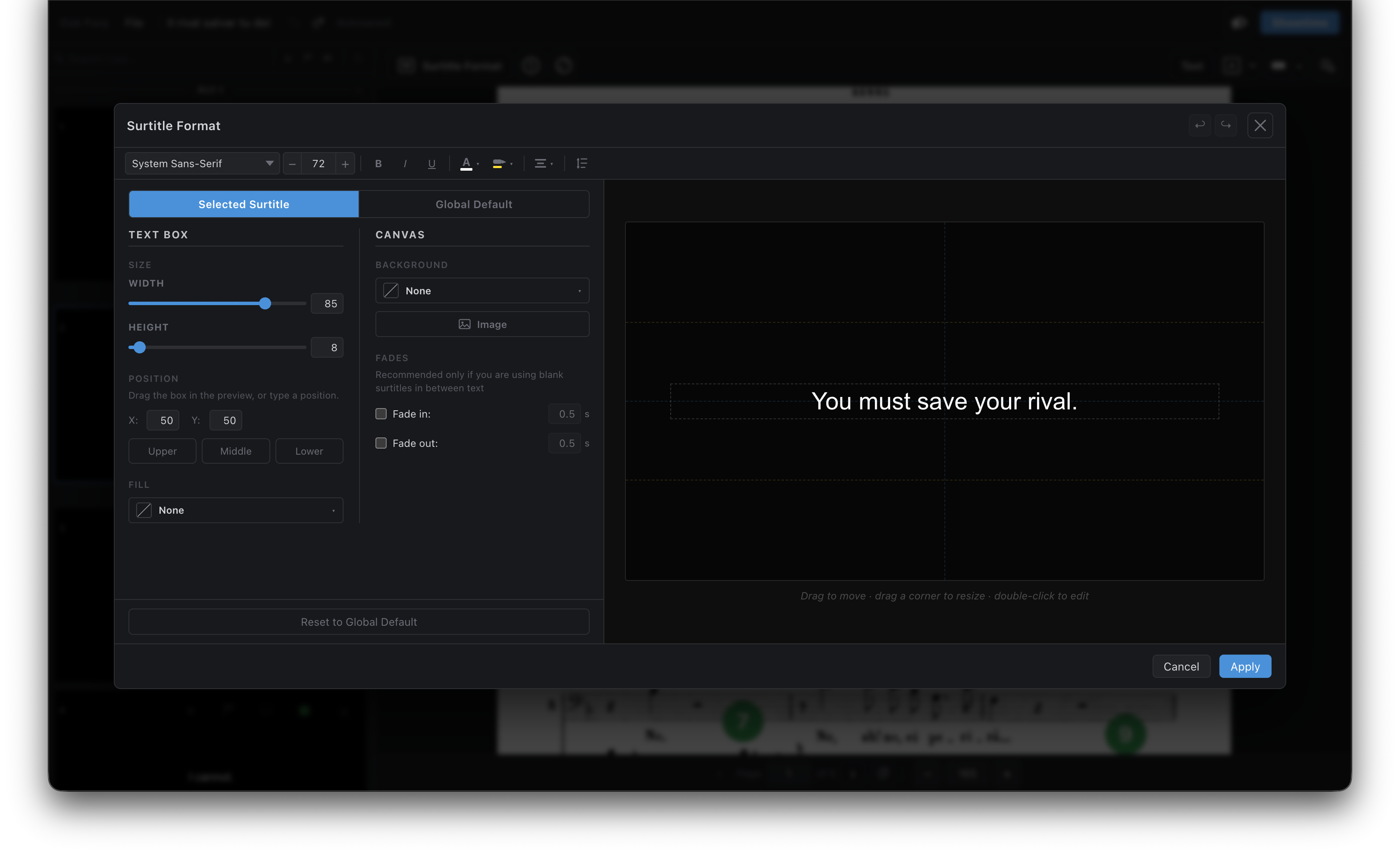
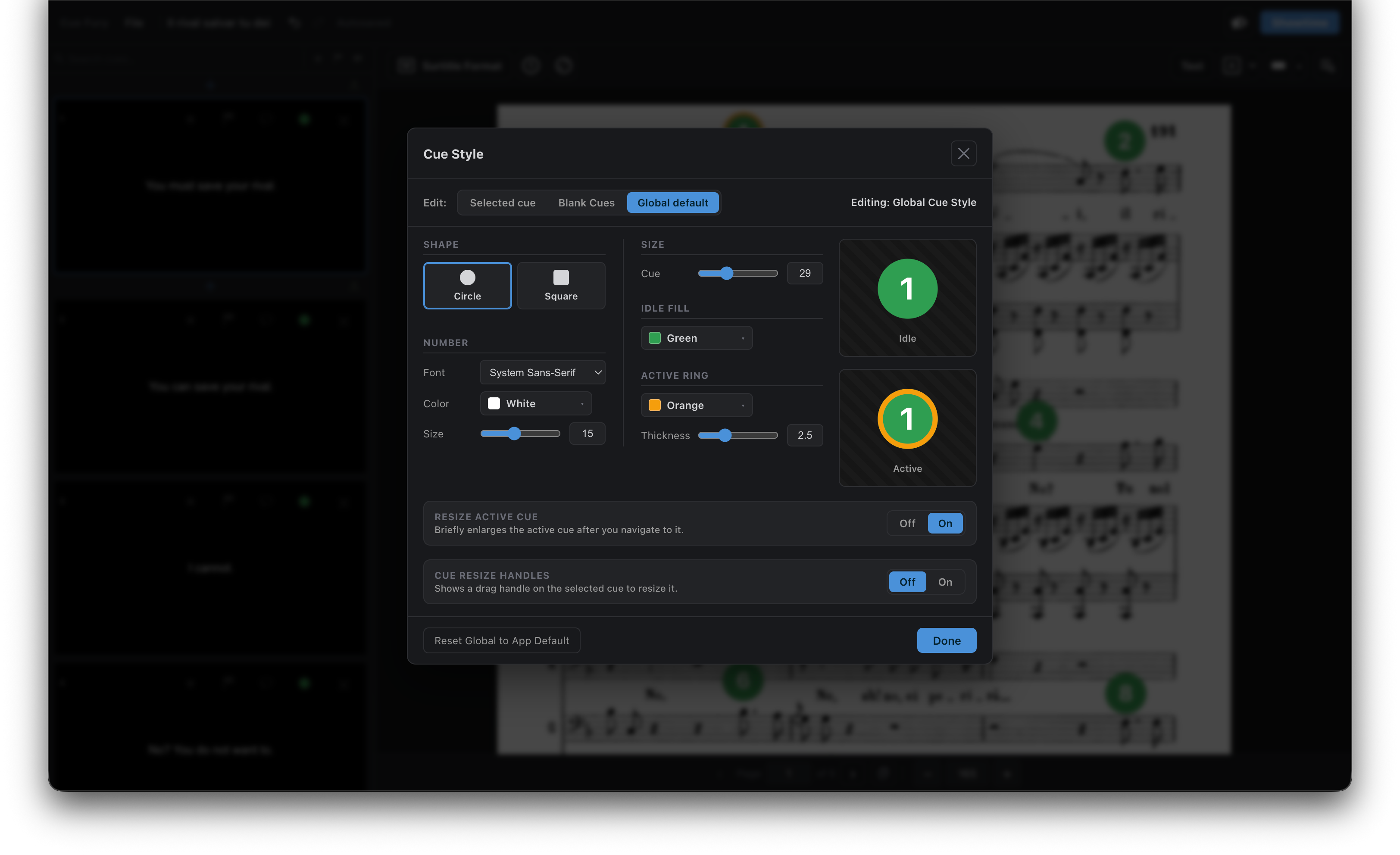
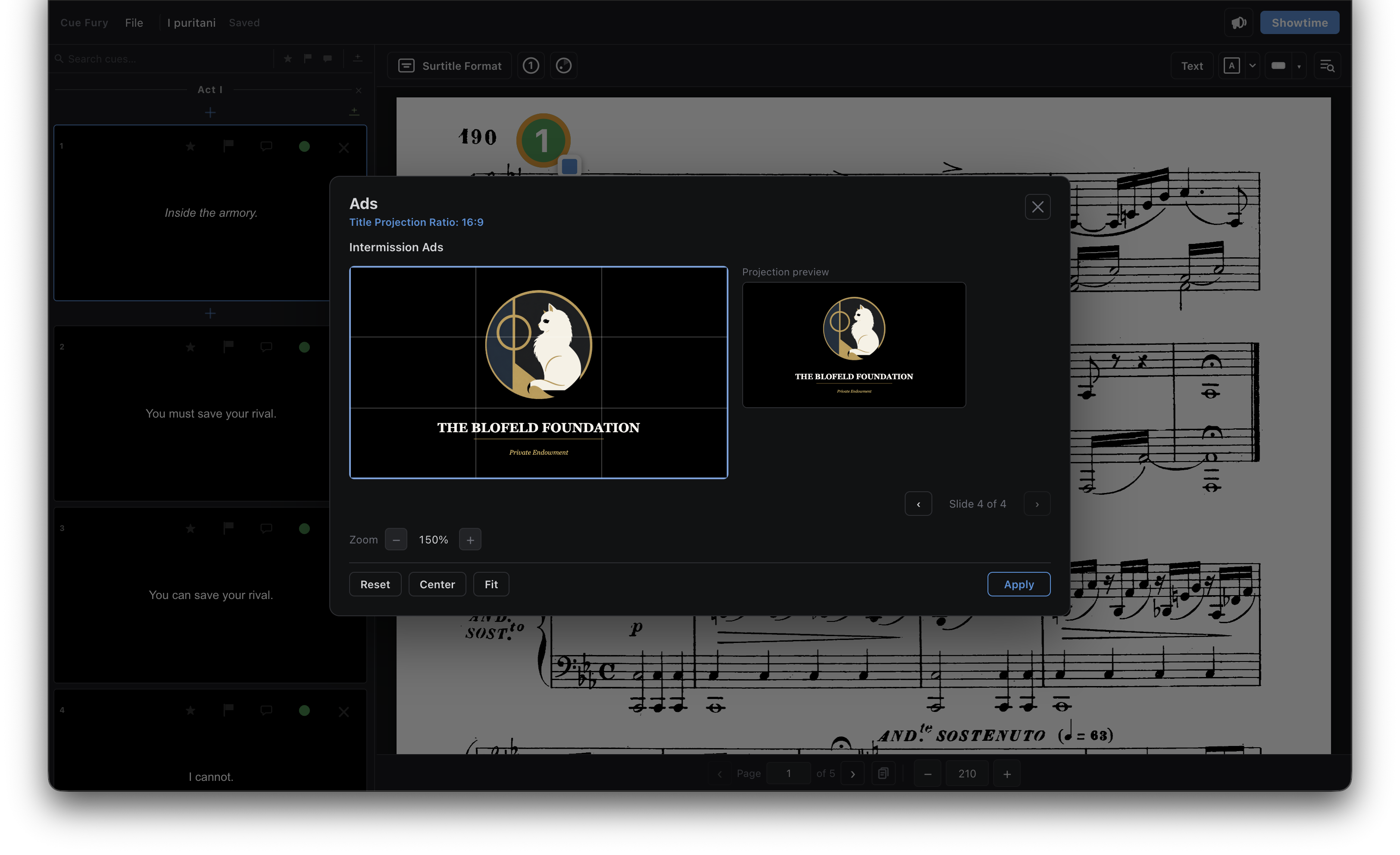
| Formatting and positioning surtitles for my projector is difficult. | Projection FormatUniversally format and position everything at once. Project directly from the application. |
| I don’t have fancy equipment. | Simple EquipmentJust connect your computer to a projector or TV. Old computers are compatible. |
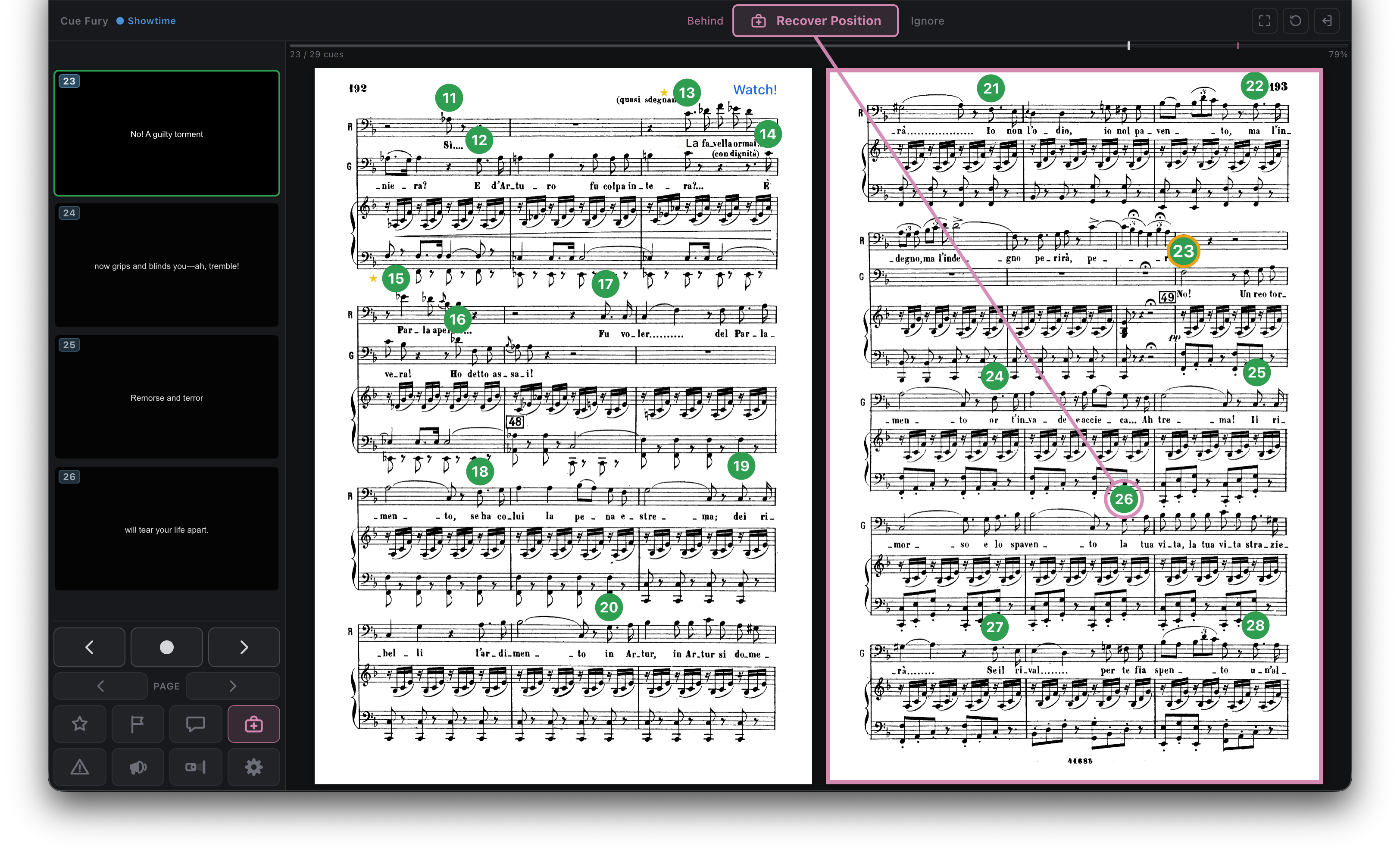
| It’s easy to lose my position during a live show. | Assisted ModeRecover your position, track long breaks, and receive warnings about quick page-turns and rapid sequences. |
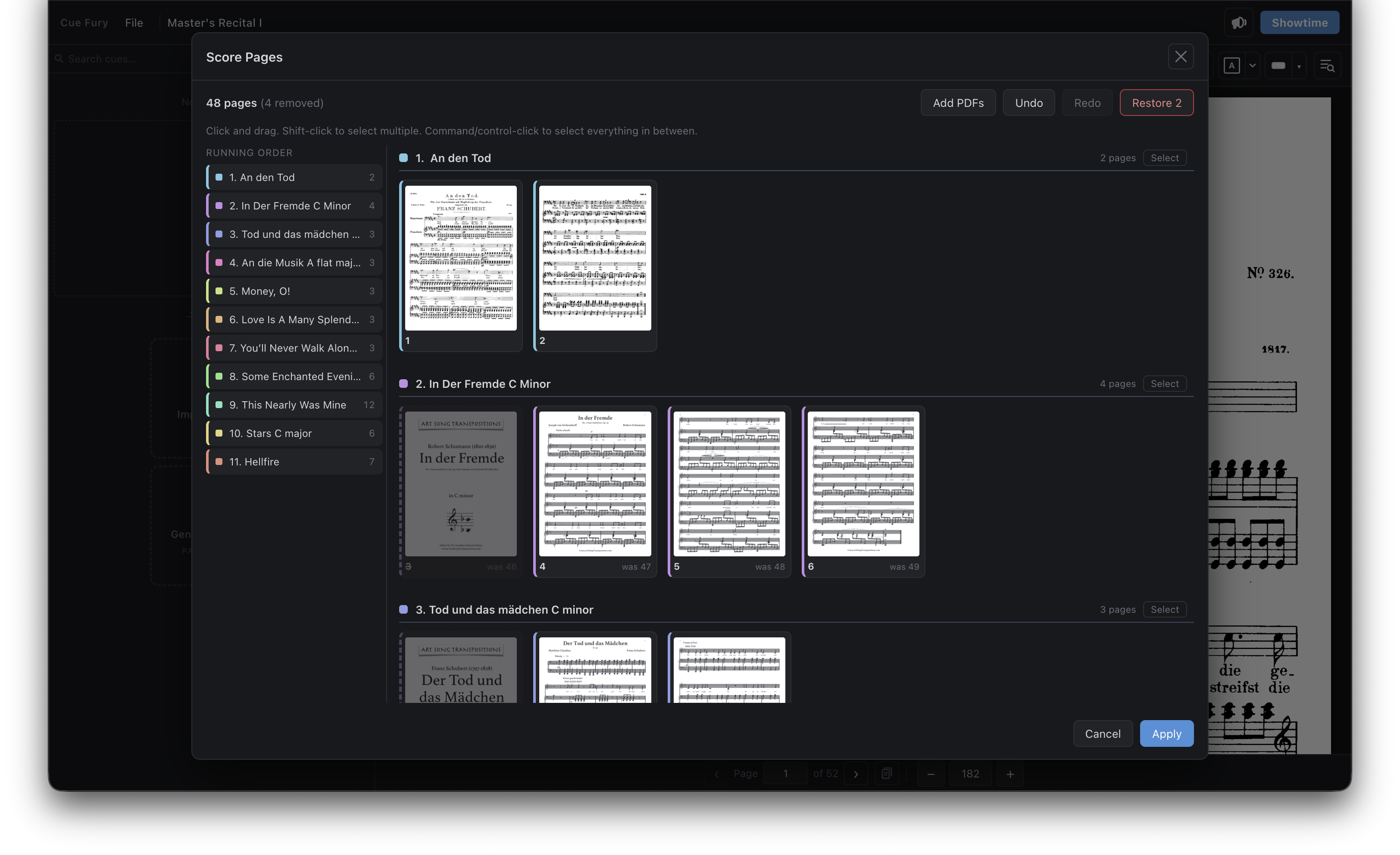
| I have multiple PDFs because my concert has scenes from different operas, and my recital has many different songs. | Edit PDFsCombine and reorder multiple PDFs for your custom program. |
| I want surtitles in multiple languages. | Multilingual SupportImport multiple languages at once, and choose your line breaks and spacing. |
| To perform surtitles, I have to read the music score with lamps, turn the pages, and watch the computer screen for hours. | Eye HealthReduce eye strain with multiple monitors and dark mode. No hard copy of the music score is required. |
| My surtitles are proprietary, and I don’t want to train AI. | SecuritySurtitles belong to you. Cue Fury runs offline and is locally hosted. No internet is needed during a show. No cloud. No AI. |